Planner Calendar
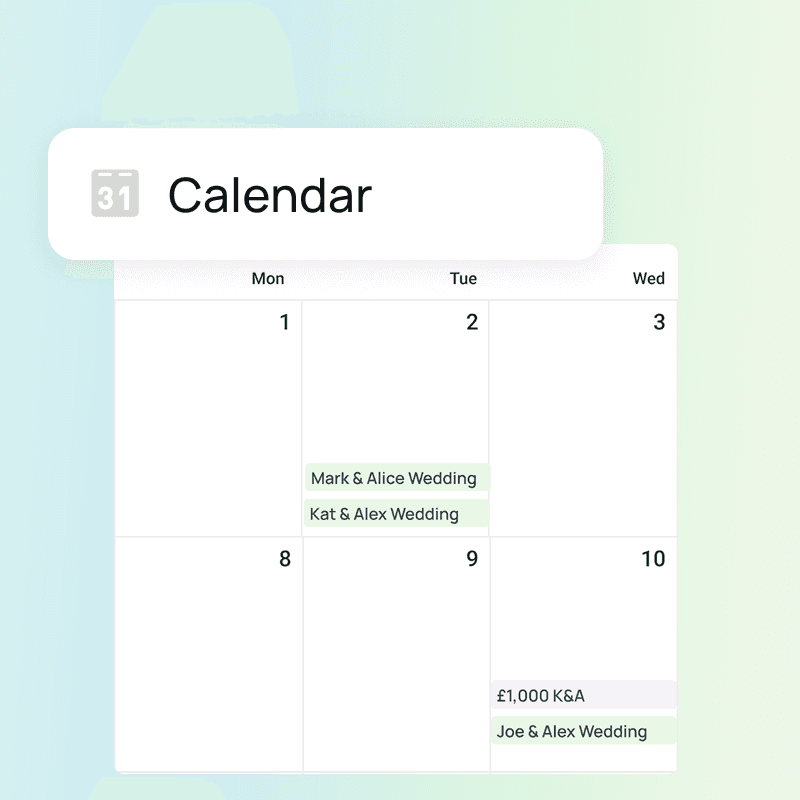
A calendar view of everything coming up across your events.
Key Takeaways
View all upcoming tasks & payments in one place
Filter by owner, client, or priority to stay focused
Quickly identify overdue or urgent items
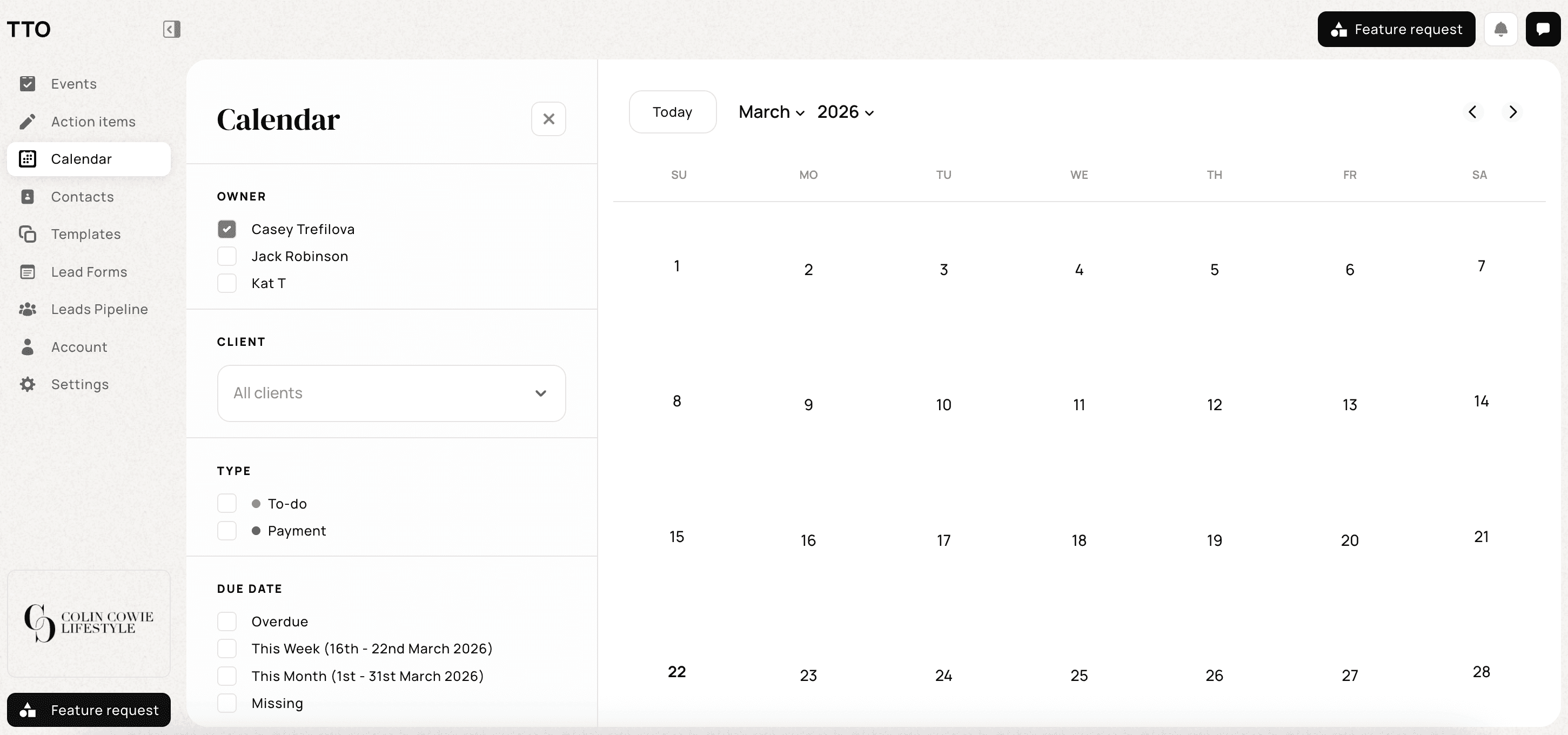
When you’re managing multiple events, it’s easy to lose track of what’s coming up next. Instead of checking each event individually, the Calendar gives you a centralised overview of deadlines, payments, and responsibilities. Here's how to get started:
Step 1: Open the Calendar
Navigate to Calendar from the left-hand sidebar
You’ll see a monthly view of all scheduled items
Step 2: Filter your view
Use the filters on the left to customise what you see:
😎 Owner
View tasks assigned to specific team members
Balance workload and track responsibilities
😊 Client
Focus on one event or view all clients at once
🫡 Type
Toggle between:
To-dos (tasks to complete)
Payments (financial milestones)
🗓️ Due Date
Filter by:
Overdue
This week
This month
Missing
For more information on how to create moodboards, visit our support center here.