

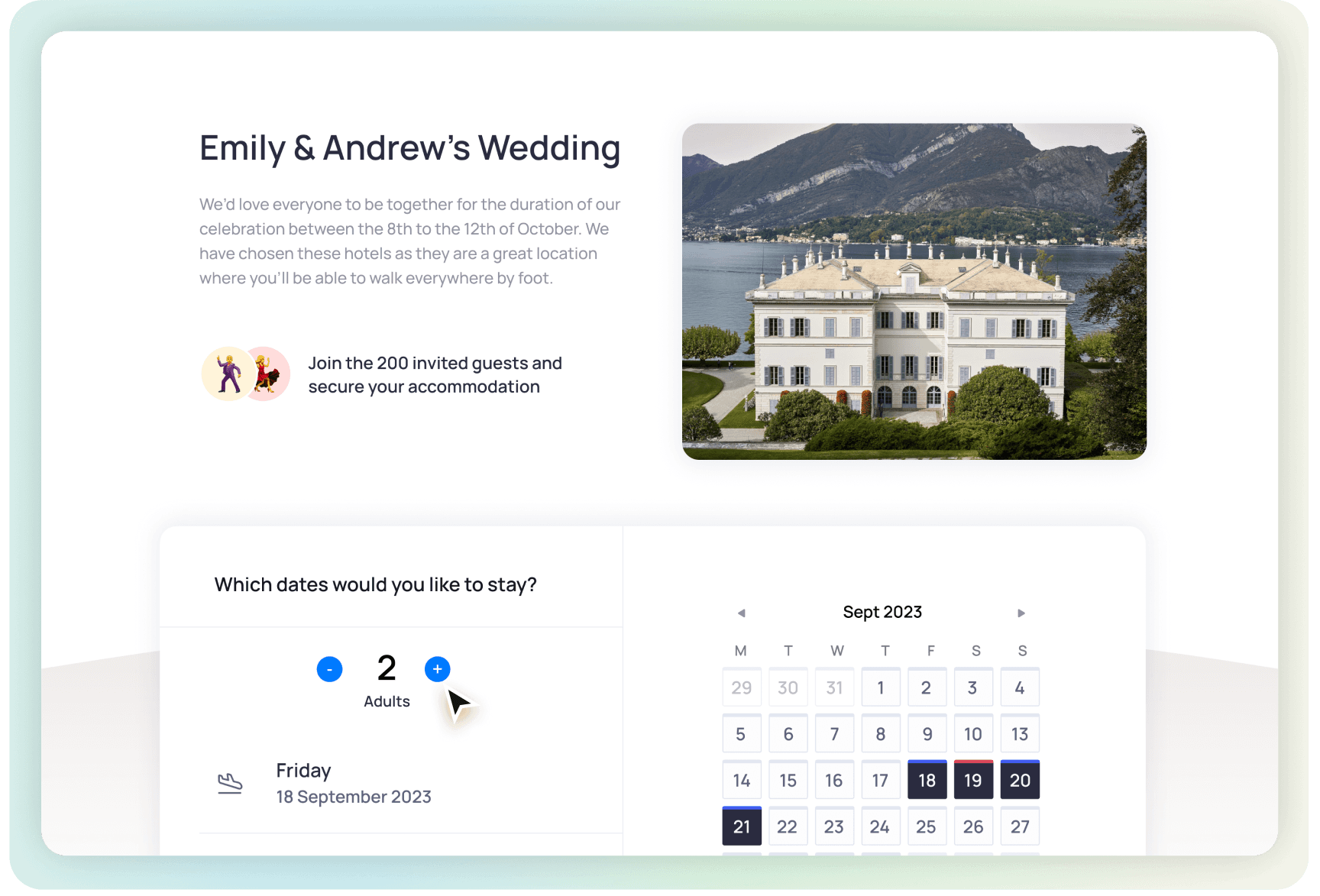




Everything guests need to book their stay
One page, live rates, zero coordination:
Set your own search radius


Create your page
Add your dates and venue, then pick nearby hotels in just a few minutes.
Share it with guests
Send one simple link, no back-and-forth or manual coordination needed.
Track bookings easily
Every reservation is synced into your guest list, so you always know who’s staying where.


Frequently asked questions

Is there a fee associated to creating an accommodation page?
No. Creating and using the accommodation page in TTO is completely free.
Why is TTO HOTELS appearing on guest bank statements?
Some bookings are processed through our secure, trusted hotel booking partners, so guests may see “TTO HOTELS” on their statement rather than the individual hotel's name.
Where can guests find accommodation?
You can use the accommodation search to look for hotels near your venue or another location. Available hotels, rates, payment currencies and booking terms depend on the dates and booking provider. Check the options for your event location before sharing the page with guests.
When should I create a page and ask guests to book?
Create the accommodation section once you know the event dates and location, so guests can consider where to stay when you share the wedding website or invitations. Hotel availability and prices depend on the dates and booking provider. For a negotiated room block, share the hotel’s booking link and its agreed booking deadline.
How much time do my guests have to book?
Live Rates do not have a single TTO booking deadline. Prices and availability can change, so guests should check the booking provider’s current terms. If you have arranged a room block, the hotel’s agreed booking deadline and conditions apply.
Do you have the cheapest rates?
TTO helps you share hotel options and live rates with guests. Prices and availability come from the booking provider and can change; TTO does not guarantee the lowest price. Guests should compare the total price, room type and cancellation terms before booking. You can also add a separate hotel or room-block booking link.