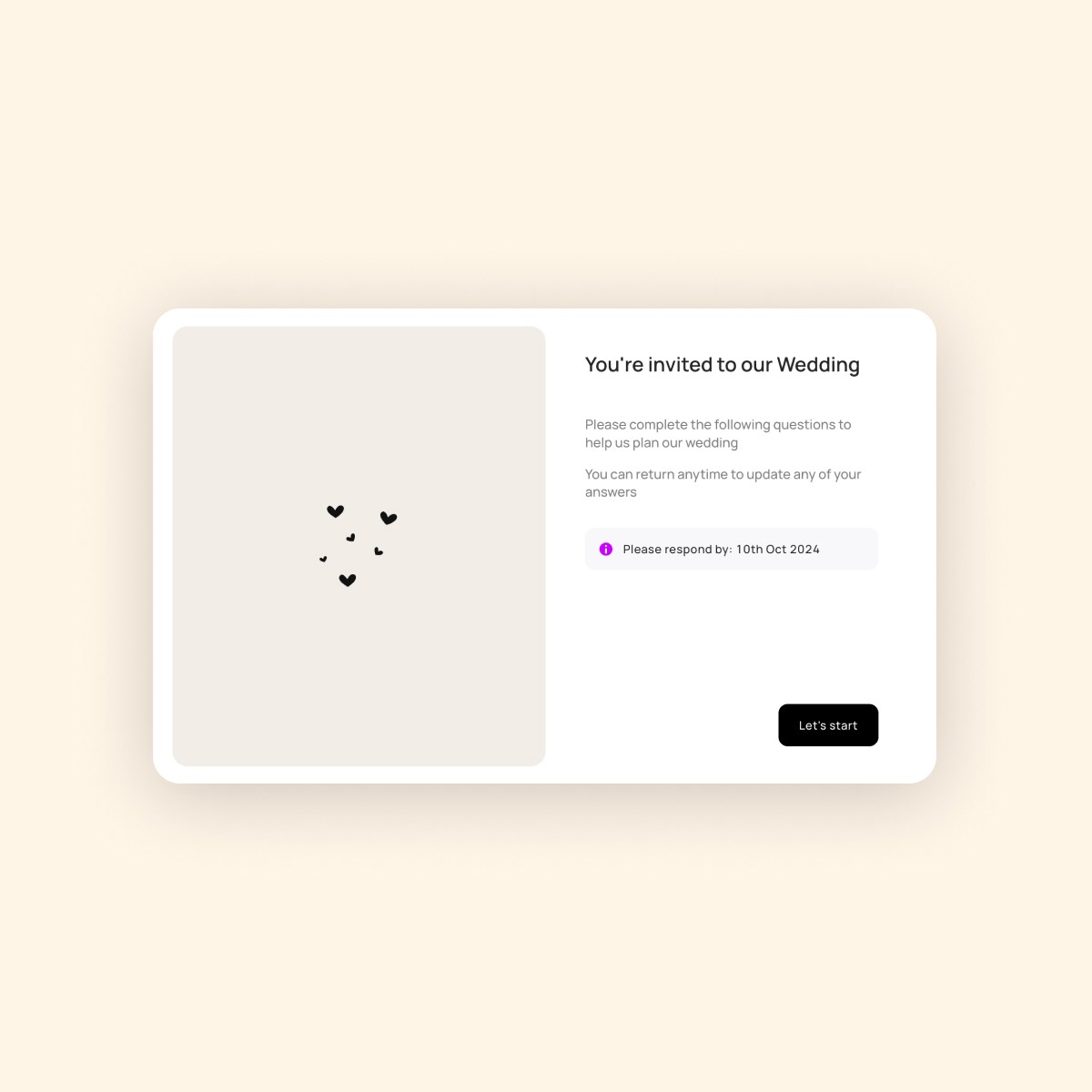
Collect info via Questionnaires
Request additional info from clients & keep it in one place.
Key Takeaways
Quick setup & reuse: Build new questionnaires from scratch or import templates to save time and streamline your info-gathering workflows.
In the world of event planning, clarity & structure is everything! Instead of chasing clients for basic facts, preferences, and logistics, you can send a structured form that gathers everything you need upfront. This not only saves time, but helps you plan with confidence, reduce misunderstandings, and keep every event running smoothly.
Getting Started with Questionnaire Templates
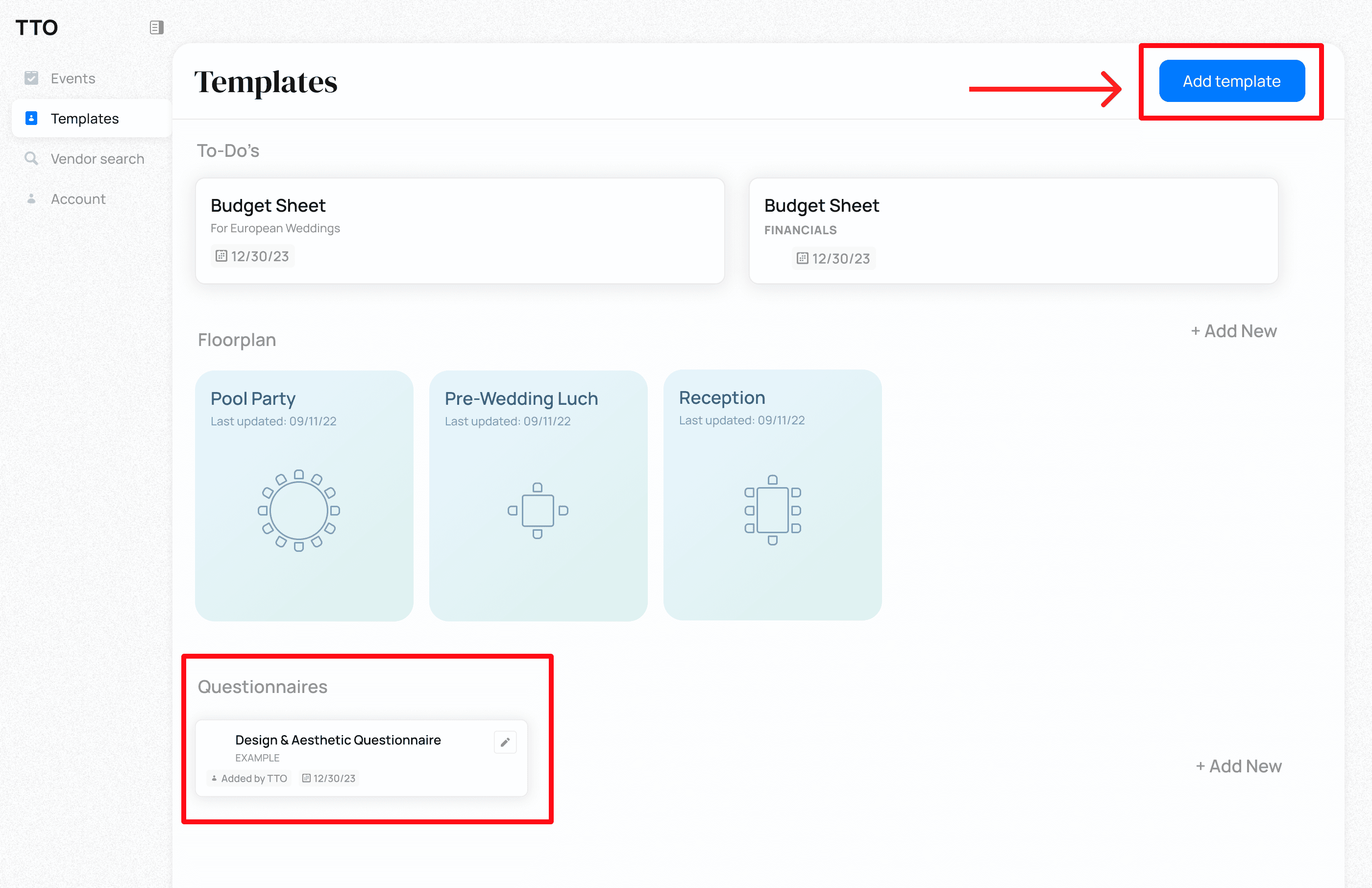
Create a questionnaire template to re-use across events in the "Templates" tab.
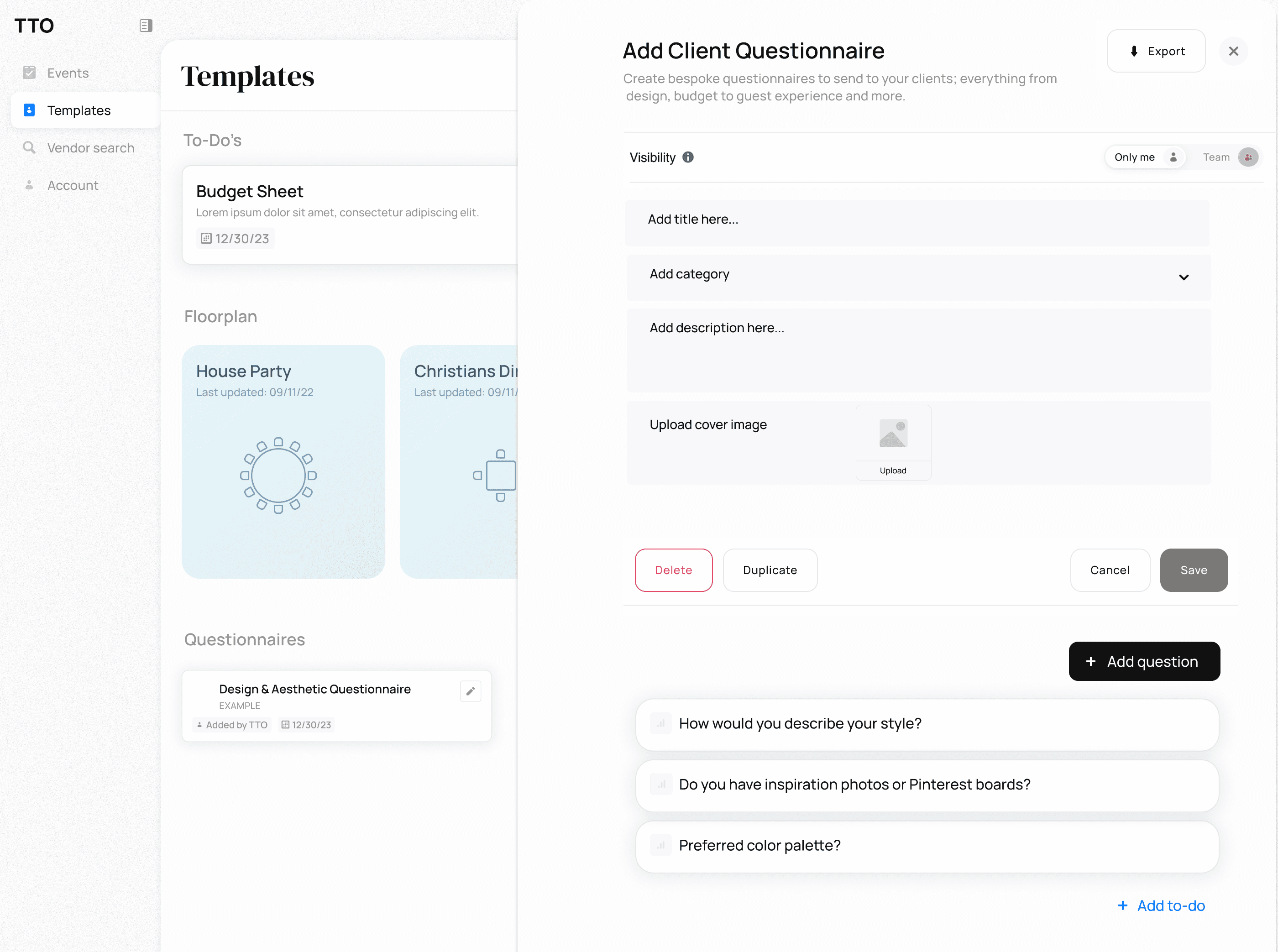
Populate your template using the sidebar module. You will be able to add a cover image, title, description, define visibility and add questions. Click save.
✏️ Sending a Questionnaire to a Client
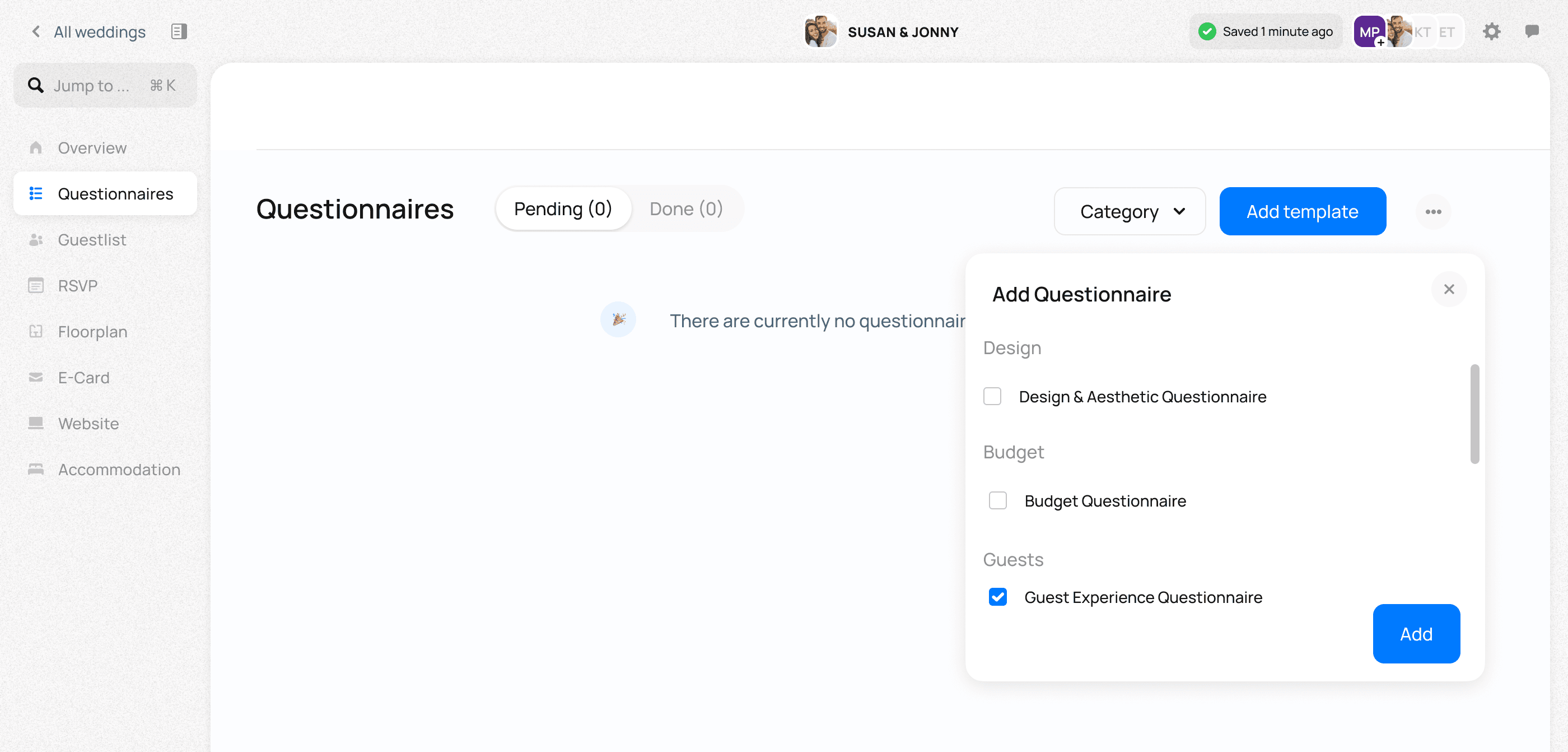
Open the client event within TTO and navigate to the "Questionnaire" tab
Select a templated questionnaire from the "Add Template" drop down
The template will open and you will be able to edit all details
Once finalised, select "Send" on the right hand panel
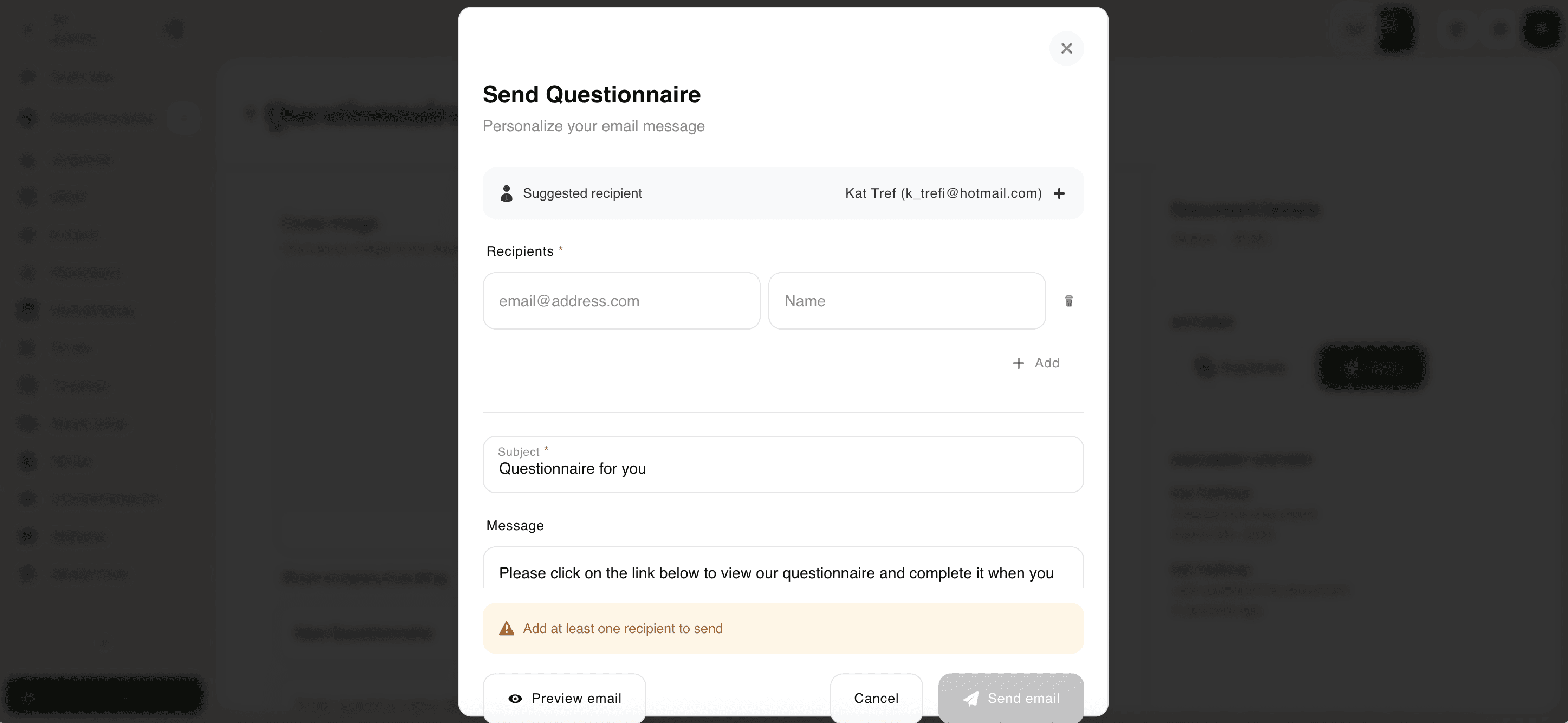
Add the names and emails of the individuals you would like to email
Draft the email message
Select Preview Email to preview the email before sending
Select "Send Email" to send the email
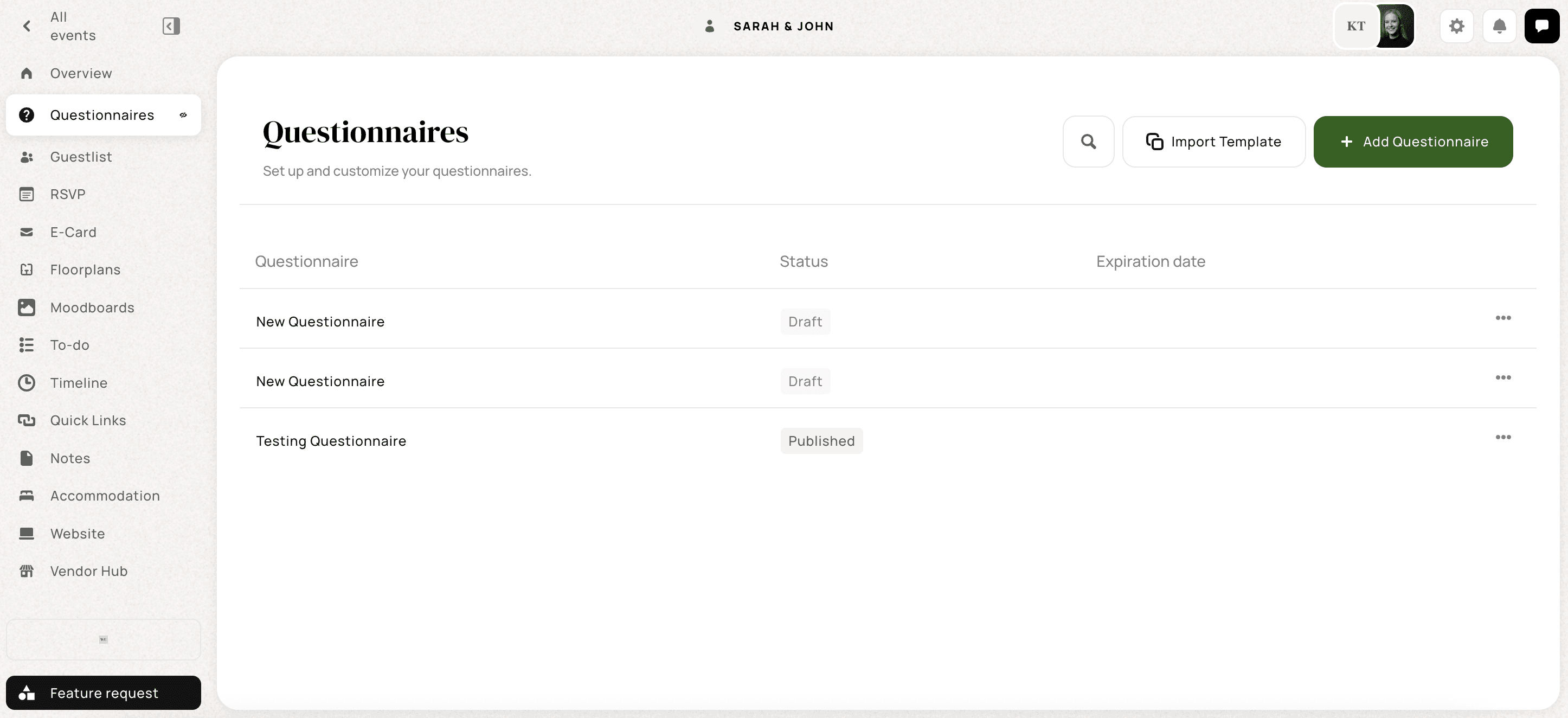
Once sent, the questionnaire status will update from "Draft" to "Published"
View all your sent questionnaires for the client in the questionnaire overview