



Proposals That Look Like You
Branded, client-facing proposals with your colours and fonts — welcome, itemized services with prices, payment schedule and contract on one page.

Digital Signatures Built In
Drag in signature, initials and date fields; clients sign from a link. Timestamps, signed PDFs — and no third-party tool.

Templates You Reuse All Season
Save your contract as a template once, import it into any proposal, and edit per client without ever touching the original.

One flow — proposal built, contract signed, PDF filed — inside your planning platform.
The event planning contract, the proposal and the signature all happen in That's The One — one login, one subscription.
Stop paying for a signature tool
Paperwork that matches your pipeline
When a contract goes out, the lead's stage says so — sales status and paperwork status never disagree.
Clients see a branded proposal page, not a PDF attachment — priced services, clear schedule, sign here.
Professional from the first click
One wedding contract template, reused every booking
Write the contract once — full planning, partial, day-of — then reuse it forever.
Import a saved template
Pick an existing contract template and copy it into the proposal. Edits stay local to that client — the original template is never touched.
Upload documents you already use
Bring the event contract template your solicitor already approved — upload existing documents instead of re-typing terms into another editor.
Manage templates in one place
A dedicated templates page holds every saved contract, so your full-planning agreement and your day-of coordinator contract each have their own ready starting point.

An event proposal template clients love to read
Not an attachment — a branded page that sells the work and closes the deal.
Built-in proposal sections
Welcome, Additional Information, itemized Services with prices, Payment Schedule and Contract — plus fully custom sections when your package needs something the defaults don't cover.
Your brand, live preview
Set your primary colour by hex code, choose from ten fonts, and preview the proposal on desktop and mobile while you design it.
Payment schedule spelled out
Set out instalments with terms, due dates and amounts inside the proposal, so payment expectations are agreed in writing before anyone signs.

E-signatures with no third-party tool
The signature happens where the contract lives — in the proposal itself.
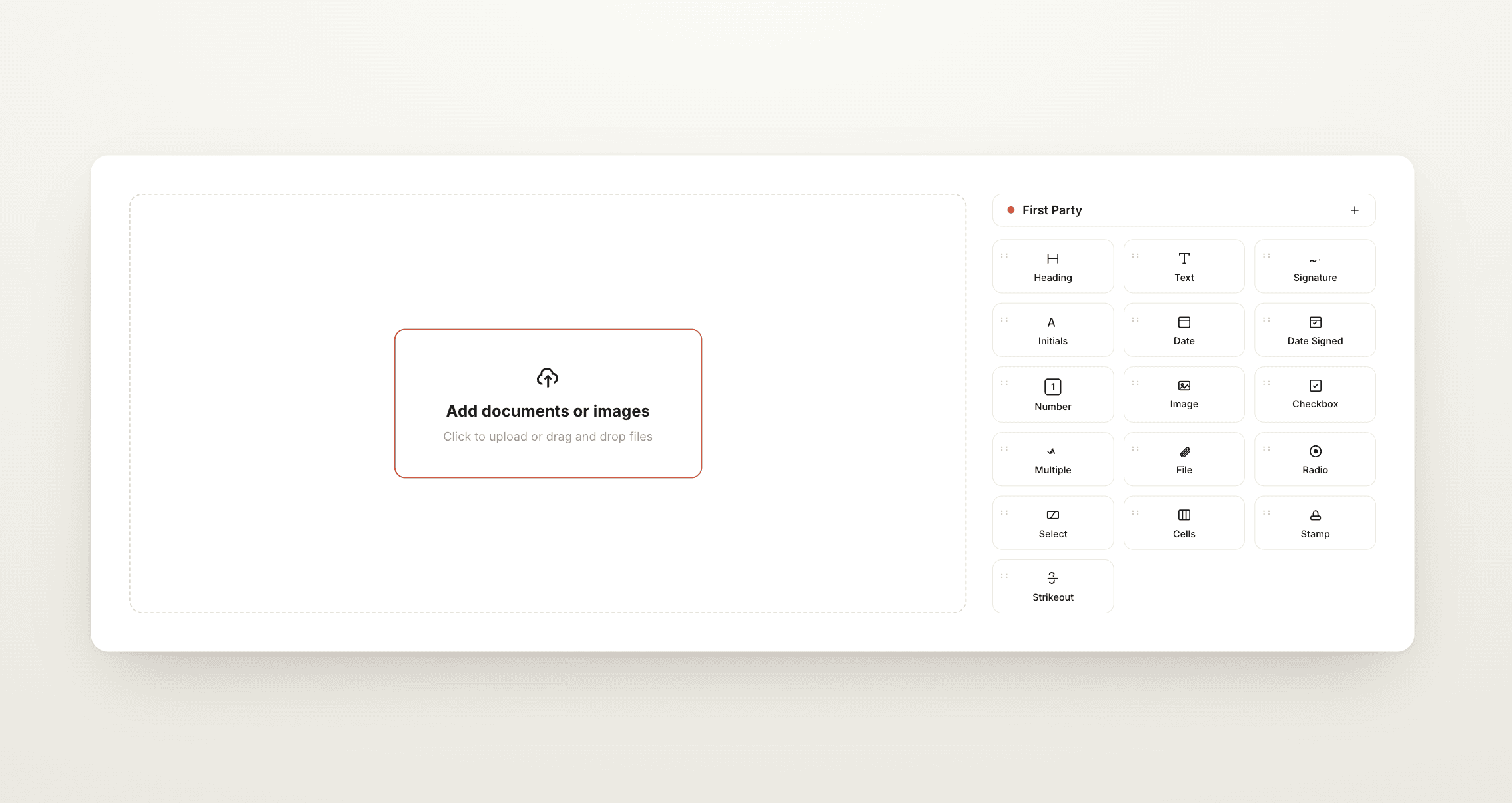
Drag-and-drop signature fields
Place Signature, Initials, Date and Date Signed fields exactly where they belong in the contract — plus checkboxes, selects and other field types as needed.
Clients sign from a link
Copy or email a signing link. Clients review and sign in the browser — no printing, no scanning, no separate e-signature account.
Timestamped and retained
Every participant shows Pending or Signed with the exact date and time, and signed records are retained in line with ESIGN and eIDAS requirements.
Track every proposal from draft to signed
One list answers the question that matters: whose paperwork is outstanding?
Statuses at a glance
The proposals list shows Draft, Sent and Accepted, so one scan of a single screen tells you exactly which client still needs a nudge.
Download the signed PDF
Once accepted, download the signed contract as a PDF for your records — and export the full proposal to PDF at any stage, before or after signing.
Records you can't lose
Sent and accepted proposals can't be deleted, so the signed record is protected for both you and your client — archive instead when the season's done.

Part of your pipeline, not another subscription
Proposal and contract software usually means one more tool. Here it's one more tab.
Stages that match your paperwork
Your leads pipeline includes Proposal Sent, Contract Sent and Contract Accepted — so the moment paperwork moves, the sales pipeline already reflects it.
From signed to planning
Once the contract is signed, the same platform holds that wedding's budget, to-dos, timeline, guest list and floorplan — no handoff between tools.
Included in your subscription
Proposals, contracts and digital signatures are part of That's The One — no per-envelope or per-signature fees stacked on top of your planning software.
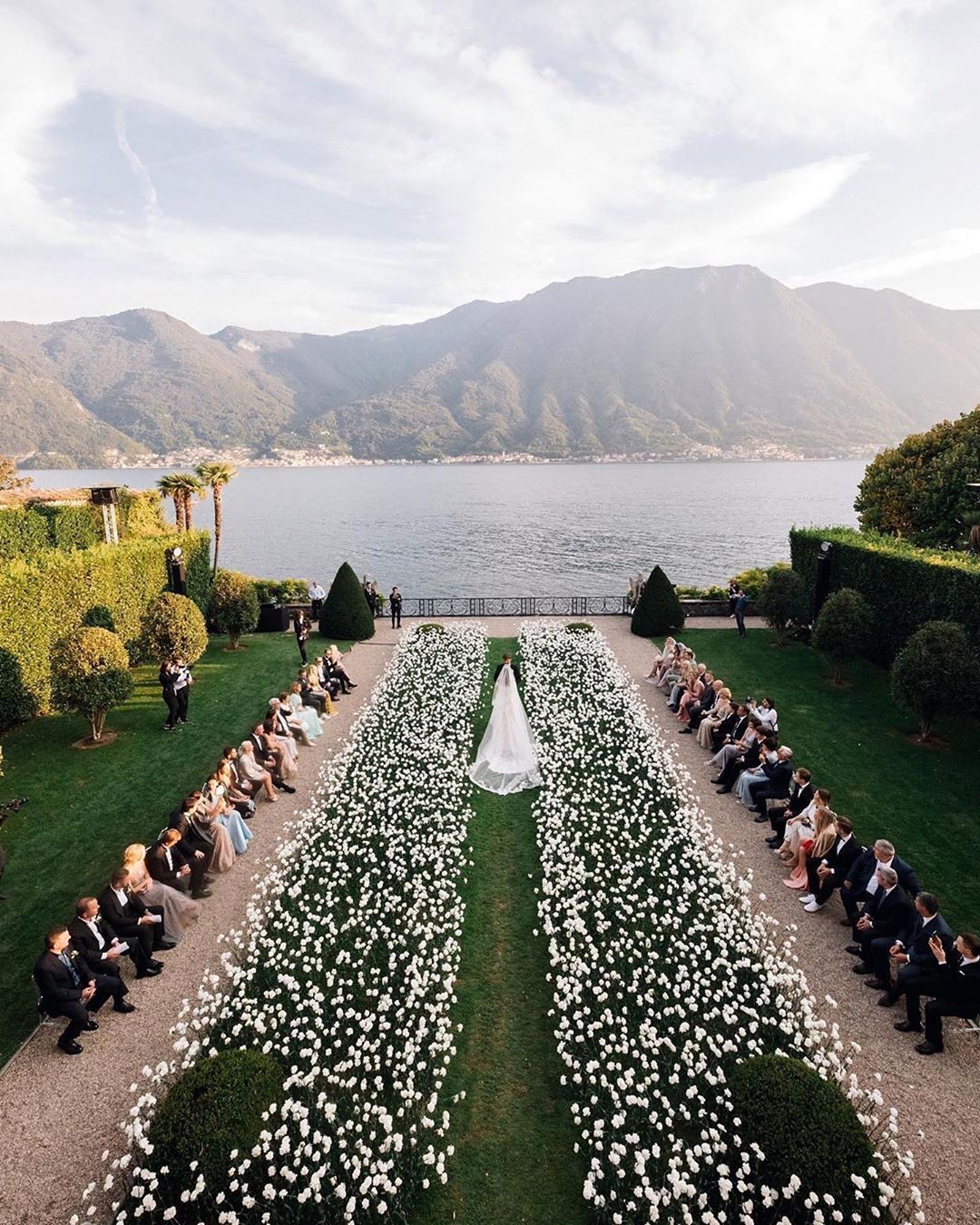
3 simple steps from enquiry to signed contract
We make it easy to build the proposal, send it, and get the contract signed.

Save your contract as a template
Upload the agreement you already use, or write it once.
Build the branded proposal
Services with prices, payment schedule and the contract, in your colours.
Send the signing link
Clients sign in the browser; you download the timestamped, signed PDF.

Frequently asked questions

What is a wedding contract?
A wedding contract is the written agreement between a planner (or vendor) and their client covering services, fees, payment schedule, cancellation terms and liability. It protects both sides by putting expectations in writing before the work begins.
What should a wedding planner contract include?
At minimum: the services covered, fees and payment schedule, cancellation and postponement terms, liability limits and signatures from both parties. In That's The One, the proposal presents services and the payment schedule alongside the contract, so nothing is agreed verbally only.
Do I need a separate e-signature tool like DocuSign?
No. Signature, initials and date fields are built into That's The One's contracts — clients sign from a link, everything is timestamped, and you download the signed PDF. No third-party tool needed.
Are the digital signatures legally recognised?
Signed records are retained in line with ESIGN (US) and eIDAS (EU) requirements, with timestamps for every participant — and sent or accepted proposals can't be deleted, protecting the record. For jurisdiction-specific questions, check with your solicitor.
Can clients review and edit the proposal before signing?
Yes. Clients review the proposal — and can suggest edits — before signing, so negotiation happens in the document itself rather than across email threads.
Can I reuse the same contract for every client?
Yes. Save contracts as templates and import one into any proposal. Per-client edits stay local to that proposal, and the original template is never changed.
Can I see when a client has viewed the proposal?
Open-and-view tracking isn't available yet. You see each proposal's status — Draft, Sent, Accepted — and each participant's Pending or Signed state with the exact signing time.
Can clients pay their deposit when they sign?
The proposal sets out the payment schedule — instalments, terms, due dates and amounts — so it's agreed at signing. Payments themselves are then tracked in That's The One's budget and payments area.
What is a day-of coordinator contract?
A shorter agreement for coordination-only bookings: it covers the wedding-day (and often rehearsal) services, hours, fee and liability — distinct from a full-planning contract. Save each as its own template and import whichever fits the booking.
Can I download the contract as a PDF?
Yes. Download the signed contract as a PDF once accepted, and export the full proposal to PDF at any stage for records, printing or clients who ask for a copy.
Where can I find a wedding planner contract sample?
Your professional association or solicitor is the right source for legally sound wording in your region. Once you have it, upload it into That's The One as a reusable contract template and stop re-typing it for every client.