The Essential Wedding RSVP Questions (Based On Data From Real Weddings)

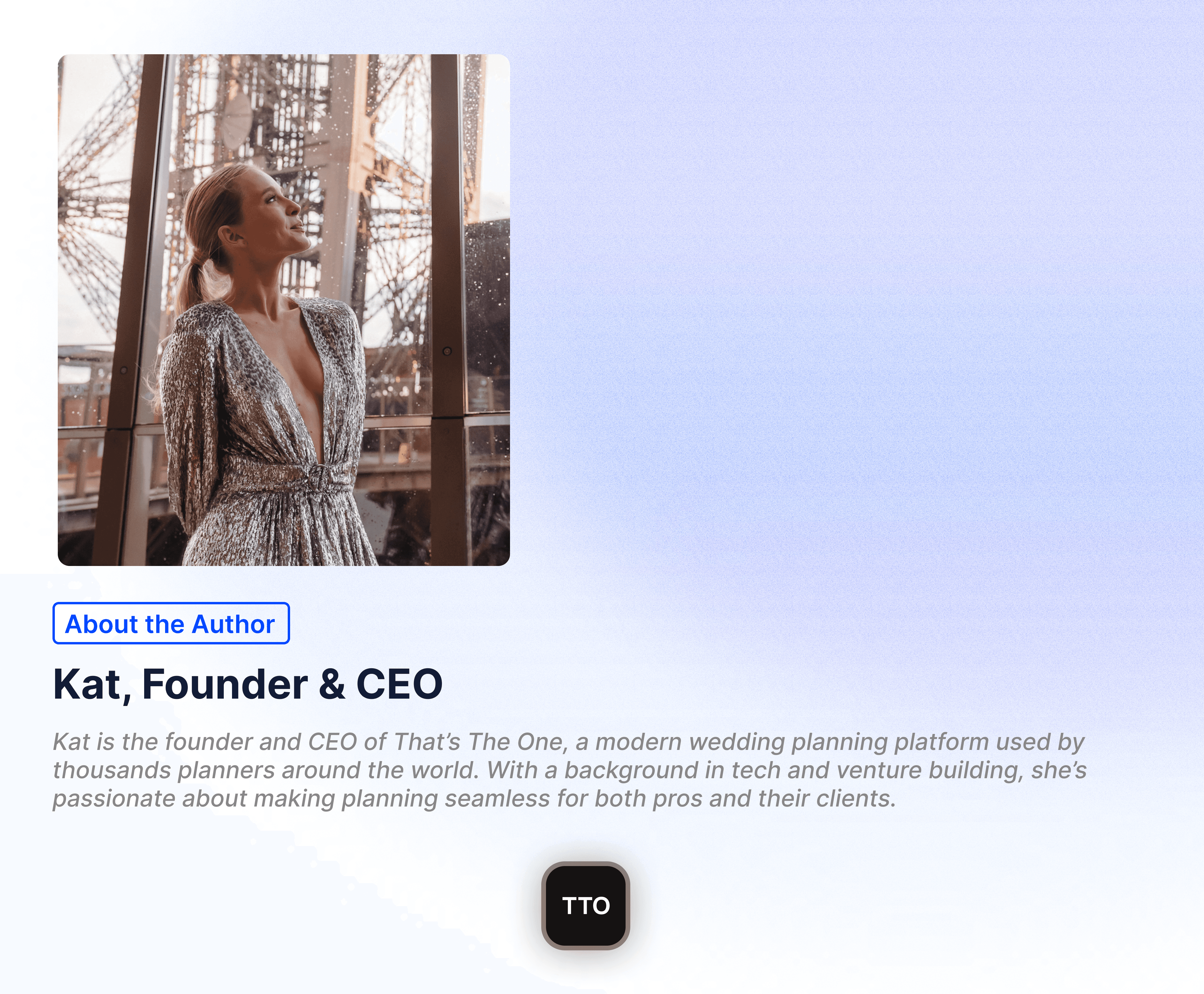
Kat Trefilova — CEO & Founder

Key Takeaways
Food dominates, but stays optional - Nearly half of all RSVP questions are about catering— yet 98% are marked optional. Ask about dietary needs and allergies, but don't force answers.
Four questions is enough - The most effective RSVPs: attendance, dietary requirements, allergies, and a message. Everything else is bonus, not essential.
Accessibility signals thoughtfulness - 9% of questions address wheelchair access, high chairs, and hearing assistance. Including this shows you've considered every guest.
Engagement questions build excitement - Song requests and messages to the couple transform a form into a moment of connection—and appeared nearly 6,000 times each in our data.
The Big Picture: What Questions Are Couples Actually Asking?
Table of Contents
You're staring at a blank RSVP form, wondering what questions to ask your guests. Should you ask about dietary requirements? Transportation? That quirky song request everyone seems to include these days? We analyzed nearly 70,000 RSVP questions from real weddings to discover exactly what couples are asking—and what's actually working.
See our RSVP playbook for planners for ready-to-use questionnaire templates.
When we crunched the numbers, a clear hierarchy emerged. Here's how wedding RSVP questions break down by category:
Catering (47.5%) — Nearly half of all questions relate to food. This isn't surprising—getting meals right is crucial.
Miscellaneous (19.8%) — Messages for the couple, addresses, song requests, and other engagement questions.
Attendance (11.6%) — The fundamental question: are you coming? Plus multi-event tracking for weekend celebrations.
Transport (10.2%) — Shuttle buses, taxi coordination, and getting guests between venues safely.
Accessibility (9.0%) — Wheelchair access, high chairs, hearing assistance, and mobility considerations.
Accommodation (1.8%) — Hotel blocks and lodging coordination, typically for destination or rural weddings.
"The most successful RSVPs balance thoroughness with simplicity. Ask what you need—nothing more."
The Non-Negotiables: Questions Every Wedding Needs
Across all 70,000 questions, certain ones appeared with overwhelming consistency. These are your foundation:
Attendance Confirmation: "Will you be attending our wedding?"
This question appeared over 5,500 times in our dataset, and 98% of the time it was marked as required. The most common helper text? "We completely understand if you're unable to make it." Gracious, pressure-free, and clear.Dietary Requirements: "Do you have any special dietary requirements?"
Nearly 6,000 instances. Common examples provided: "Vegetarian, vegan, halal, kosher, gluten-free." This question is almost always optional, trusting guests to speak up if needed.Food Allergies: "Do you have any food allergies?"
Over 5,700 appearances. Separate from dietary requirements because allergies are a safety issue. Helper text typically reads: "E.g., nuts, eggs, shellfish, dairy." Some couples add emphasis: "Very important for our kitchen!"Accessibility Needs: "Do you have any accessibility needs?"
Examples include wheelchair access, high-chairs for children, and hearing assistance. This question signals that you've thought about all your guests' comfort.
The Sweet Additions That Guests Love
Beyond the essentials, certain questions create genuine engagement. The most beloved?
The message to the couple: "Would you like to leave a message for the couple?" appeared nearly 6,000 times with the simple helper text: "We'll share this with them." Guests love the chance to express well-wishes, and couples treasure these personal notes.
Song requests: From "Tell us your favourite tunes to get the party going!" to "What song will get you on the dancefloor?" — these questions build excitement and help couples create playlists their guests will actually enjoy.
When Simplicity Wins
Our data revealed something important: 98% of attendance questions are required, but 98% of catering questions are optional. Smart couples understand that the only truly essential information is whether someone is coming. Everything else is helpful but shouldn't feel mandatory.
The simplest effective RSVP we found? Just four questions: attendance, dietary requirements, allergies, and a message. Clean, respectful of guests' time, and captures everything you truly need.
Pro Tip: Match your questionnaire complexity to your event. A backyard BBQ needs 4 questions. A destination wedding might need 12. Don't over-engineer a simple celebration.
A Simple 6 Question RSVP
These are the six most common questions in an RSVP based on 70,000 real wedding questions:
Will you be attending our wedding?
Do you have any food allergies?
Do you have any special dietary requirements?
Do you have any accessibility needs?
Are you interested in transport between your accommodation and the venue?
Would you like to leave a message for the couple?
Create a Perfect RSVP With ThatsTheOne
TTO's RSVP system helps you create a perfect RSVP with complete flexibility and control. It is at the heart of the response process, collecting attendance, plus-ones, meal choices, and any custom details you need— all syncing instantly with your guestlist.
Step 1: Access the RSVP Manager
Navigate to the RSVP tab in your TTO dashboard. This is your central hub for building, customizing, and tracking all guest responses. Under Advanced → Identification, keep the default email/phone method or enable RSVP by name. Name-based matching lets guests find their invitation without stored contact details, but suggestions reveal guest names and household groups to anyone with the RSVP link, so agree that visibility with your client first.
Step 2: Set Up Your Basic RSVP Questions
TTO comes pre-loaded with common questions to get you started:
Default questions include:
Contact information (email/phone)
Attendance confirmation
Dietary requirements and allergies
To toggle questions on or off:
Each question has a switch that controls its "live" visibility
Toggling off won't affect any previous responses
Grey star = hidden; Purple star = visible to guests
Step 3: Customize Your Questions
Click the pencil icon to edit any existing question, or add new custom questions for:
Meals & catering – meal choices, allergies, dietary needs
Plus-ones – named or unnamed guests
Transportation – shuttle needs, parking requirements
Accommodation – hotel preferences, room blocks
Children – kids attending, ages, special needs
Entertainment – song requests
Accessibility – mobility or other requirements
Custom free-text answers – anything else you need
Pro tip: The "Catering" section has 5 questions that automatically connect to your floorplan, making seating chart creation seamless.
Step 4: Configure Plus-One Controls
TTO offers smart controls for managing plus-ones:
You can allow:
Named plus-ones (guests provide full details)
Unnamed placeholders
No plus-ones at all
Additional controls for:
Children attendance
Babies/infants
When guests submit plus-one details, they sync directly into your guestlist automatically.
Step 5: Set Event-Specific Questions (For Multi-Event Weddings)
If you have multiple events (rehearsal dinner, ceremony, reception, brunch), you can limit who sees which questions:
In your Guestlist, tag relevant guests (e.g., "Pre-Rehearsal Dinner")
In the RSVP feature, toggle the question viewer from "All Guests" to your specific tag
Only tagged guests will see that question when they RSVP
This is perfect for exclusive events not everyone is invited to.
Step 6: Set Your RSVP Deadline
Keep planning on track by setting clear cut-off dates:
Options include:
A single deadline for all guests
Different deadlines for different events
Optional RSVP lock settings to close responses at the deadline
Setting a deadline alone does not close the form. Enable the RSVP lock and its deadline condition if you want responses to stop at that date; guests then see a Closed status and cannot continue.
Step 7: Preview Your Form
Before publishing, test the exact guest experience:
Click the Preview button
Walk through the form using your own contact details
Check the wording, question flow, and overall experience
Important: Don't use another guest's information for testing—TTO sends a confirmation email at the end, and they'll receive it!
Step 8: Share Your RSVP with Guests
Your RSVP form is always available at a permanent URL. Share it using any of these methods:
Option 1: Direct URL Link
Copy your unique link from "Share with Guests" or Wedding Settings > Links
Share via WhatsApp, SMS, Facebook Messenger, or any messaging platform
Option 2: QR Code
Download the automatically generated QR code
Perfect for printed invitations—guests can scan and RSVP instantly
Option 3: E-Card Invitation
Send the RSVP form with a digital wedding invitation — a beautiful e-card with the RSVP embedded
Ideal for international guests or eco-conscious couples
Option 4: TTO Wedding Website
Create a website with built-in RSVP for your clients
Guests can access it from your site's navigation
Collect every one of these answers automatically — start a 30 day free trial or book a demo.
Step 9: Monitor Responses in Real-Time
Track your RSVP progress in the RSVP Manager:
Total responses received
Who hasn't replied yet
Attendance progress (Yes/No counts)
Multi-event acceptance rates
Plus-one numbers
Catering and meal breakdowns
All responses sync automatically with your guestlist—no manual data entry required.
Chasing guests who haven’t replied? The RSVP Manager shows you exactly who is still outstanding, and you can copy your RSVP link and share it yourself in a WhatsApp chat or text message to nudge them.
Step 10: Handle Unmatched Guests
If a guest's email or phone doesn't match your guestlist:
They can still complete the RSVP
You'll receive an alert in Guestlist > Inbox
From there, you can:
Add as a New Guest – create a new entry
Merge with Existing Guest – combine with an existing profile
Delete Response – remove if invalid
Bonus: You can even start with a blank guestlist and let RSVPs populate it entirely!
Already Collected RSVP Answers Elsewhere? Import Them Directly
Moving a wedding into TTO mid-planning? You don’t need to rebuild your questionnaire or re-ask guests anything. Guest-list import can retain custom questions/columns, RSVP answers and tags — so the essential questions you set up elsewhere, and the answers guests already gave, come in directly alongside your guest list.
Pro Tips for the Perfect RSVP
✅ Use the default attendance question – Custom attendance questions don't connect to your RSVP totals, overview stats, or floorplan filters
✅ Connect catering questions to your floorplan – Meals, allergies, and dietary info automatically appear in your seating chart exports
✅ Set up soft and hard RSVPs – Re-collect or confirm attendance at different stages of planning
✅ Collect contact info you're missing – Use RSVP to gather guest emails, phone numbers, and home addresses
✅ Change your default country code – Customize the phone number field for your guest base
Further reading:
Try your 30 day free trial here or book a demo.
About the Author
Read more about the author here.