Track Leads in Sales Pipeline
Track your leads to completion in a sales pipeline.
Key Takeaways
Centralised lead management: The Leads Pipeline stores and displays every enquiry collected from your Lead Forms so you can manage all potential clients in one place.
Track progress easily: Each lead shows key details and a status (e.g., New, Proposal Sent, Booked) so you can see where they are in your sales journey and follow up at the right time.
Stay organised & proactive: You can filter leads by status and even add leads manually, helping you keep your sales process organised and ensure no enquiries get missed.
Keeping track of enquiries, follow-ups, and where each potential client sits in your sales process can quickly get messy, especially when you’re juggling multiple leads at once. That’s where the Leads Pipeline comes in. Instead of losing track of conversations in inboxes or spreadsheets, you get a clear, organised view of all your leads in one place. See who’s new, who you’ve sent proposals to, and who’s ready to book, all with a quick glance.
Where to Find the Leads Pipeline
✨ Accessing your leads:
Open your TTO dashboard
Click Leads Pipeline in the left-hand menu
You’ll see a list of all leads captured from your Lead Forms
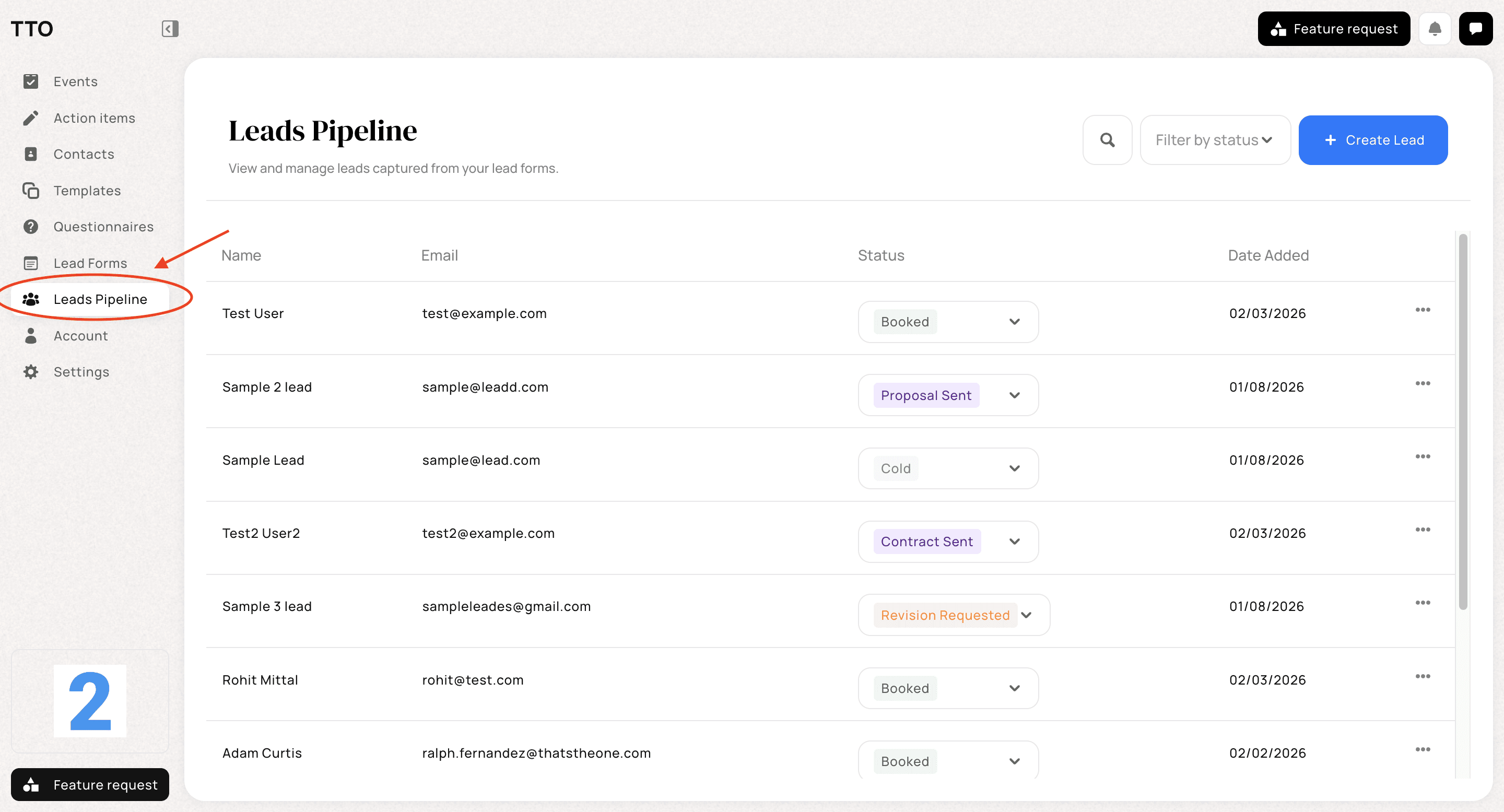
ℹ️ Key note: Every lead submitted through a Lead Form is automatically added here, so you don’t need to enter anything manually.
Understanding the Leads List
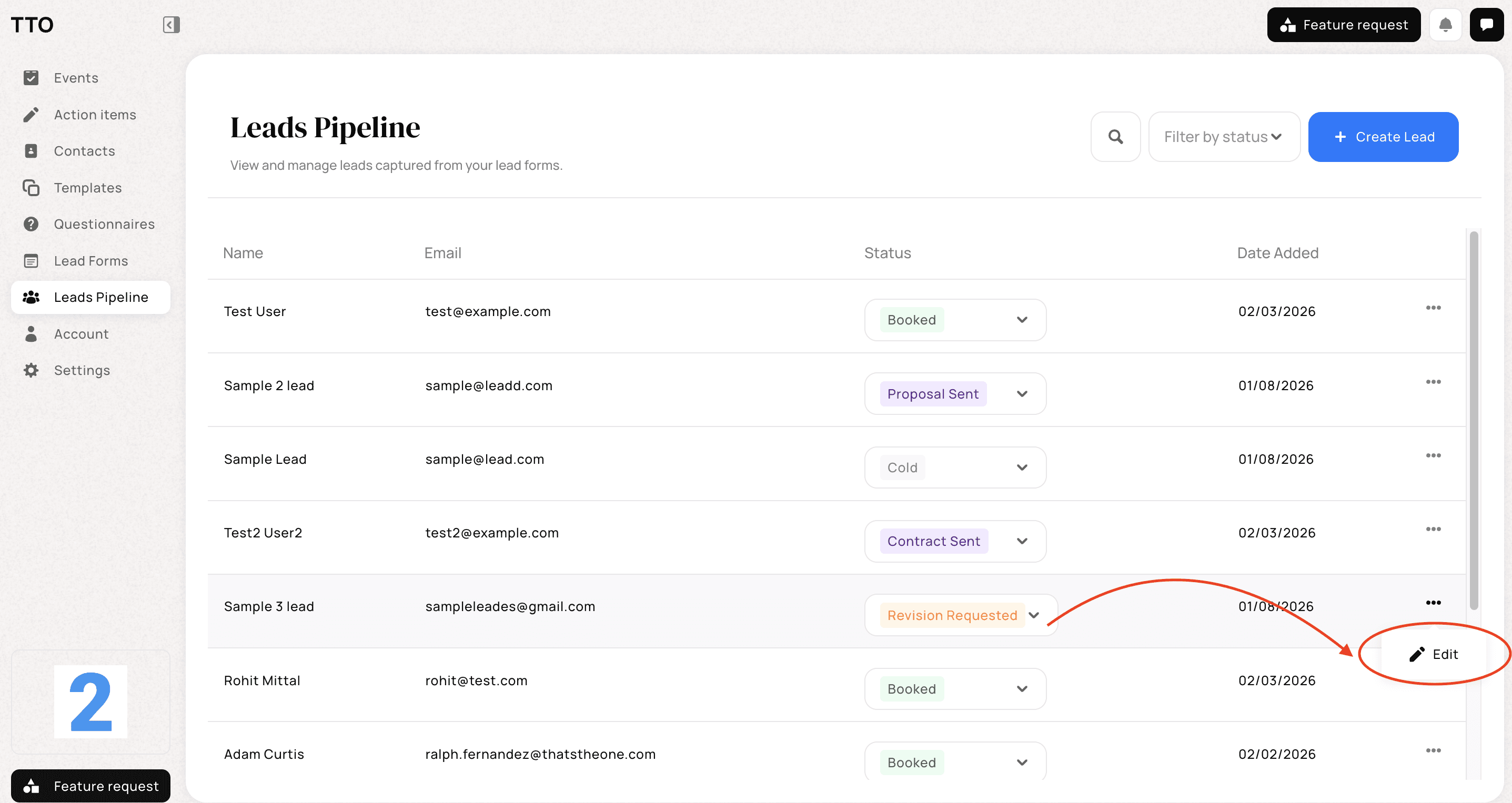
Each lead is displayed in a table with key details to help you quickly understand where they are in your process:
Name – The name provided when the lead submitted the form
Email – The lead’s email address
Status – The current stage of the lead
Date Added – When the lead was created
You can view, update, and manage each lead directly from this page.
Lead Statuses Explained
Statuses help you track where each lead is in your sales journey. You can update a lead’s status at any time using the dropdown next to their name.
✨ Available statuses include:
New – A fresh enquiry that hasn’t been contacted yet
Cold – A lead that is no longer actively responding
Followed Up – You’ve contacted the lead and are awaiting a response
Initial Meeting Scheduled – A call or meeting has been booked
Proposal Sent – A proposal has been sent to the lead
Proposal Accepted – The proposal has been accepted
Contract Sent – A contract has been sent
Contract Accepted – The contract has been signed
Booked – The lead has officially converted into a client
ℹ️ Key note: Updating statuses helps you stay organised and ensures nothing falls through the cracks.
Filtering Your Leads
✨ Finding what you need faster:
Use the Filter by status option at the top of the page to narrow down your leads. This allows you to:
View only New leads that need attention
Focus on leads in a specific stage, such as Proposal Sent or Booked
Quickly review your pipeline without scrolling through every entry
You can change or clear filters at any time.
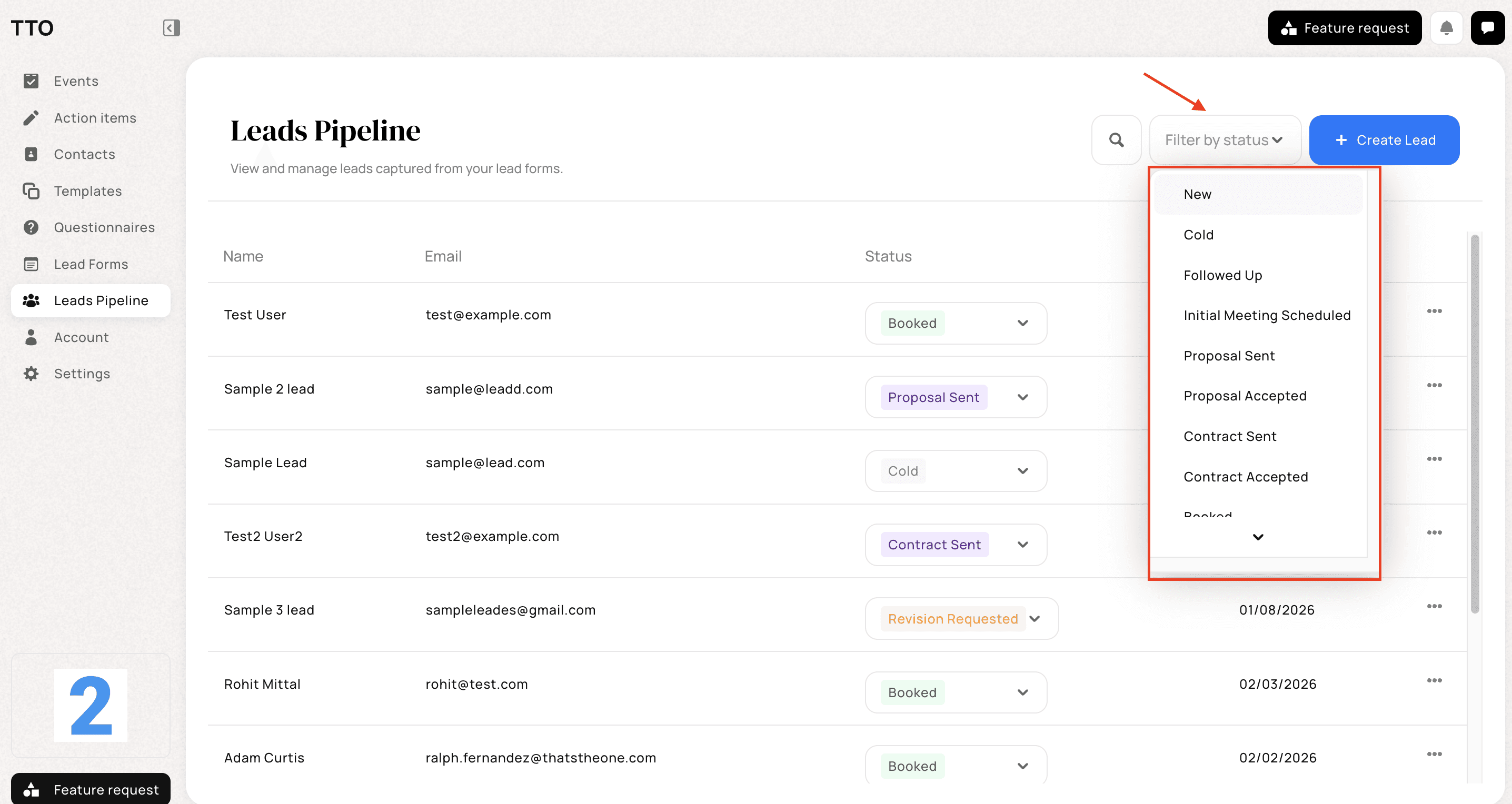
ℹ️ Key note: Filters only change what you see on the screen and do not affect your lead data. You can switch between statuses or clear the filter at any time to return to your full leads list.
Creating a Lead Manually
✨ Adding a lead yourself:
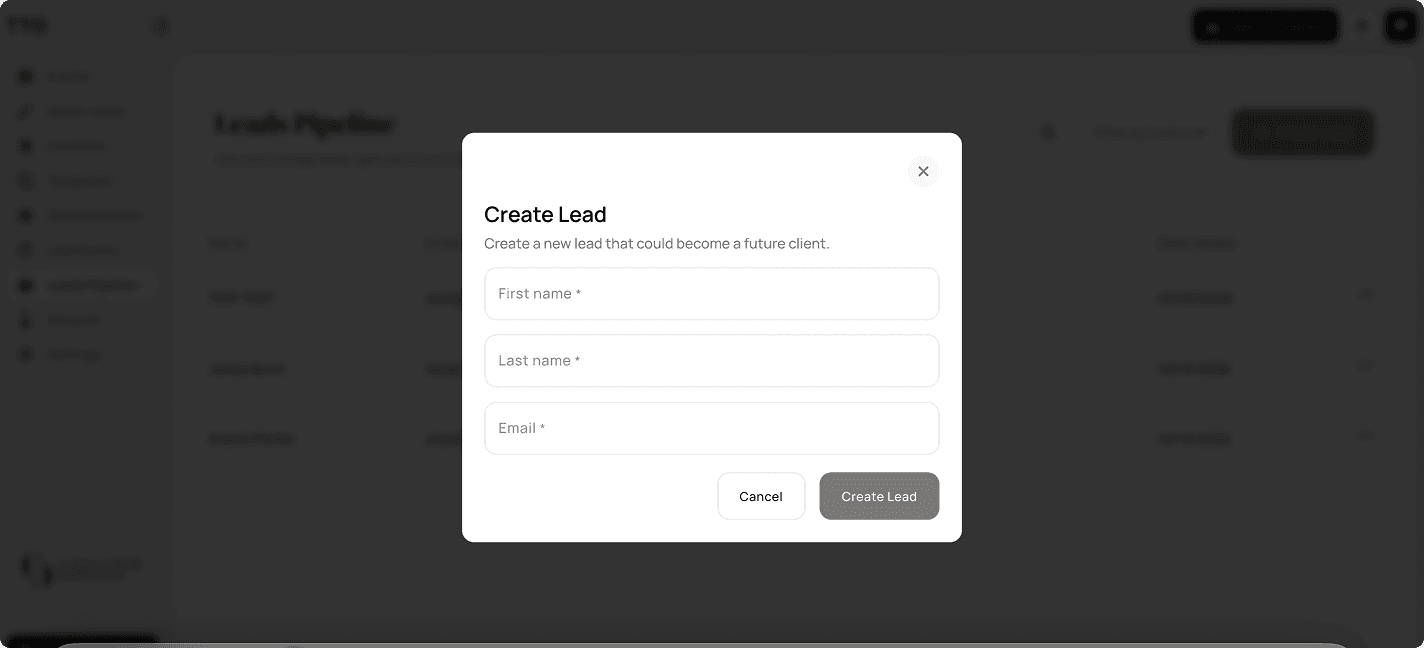
Click + Create Lead in the top-right corner
Enter the lead’s details
Assign a status if needed
This is useful if you receive enquiries outside of Lead Forms (eg. email or social media) and want to keep everything in one place.
Everything for a Lead, on the Lead Page
Open any lead and you can work the whole enquiry without leaving their page. The lead page holds Notes, Questionnaires, and Proposals — keep call details and reminders on the lead, send a questionnaire to collect information, and create or reopen a proposal for that lead, all in one place.
Why Use the Leads Pipeline?
The Leads Pipeline helps you:
Keep all enquiries organised in one place
Track progress from first contact to booking
Follow up at the right time
Manage your sales process more confidently
By keeping lead information and statuses up to date, you’ll always know exactly where each potential client stands.